How to Test Your Hearing at Home: A Free Headphone Check
Set up headphones, try our free no-account hearing check, and understand what an uncalibrated home result can and cannot tell you.
An educational guide from Online Hearing Test. Sources linked throughout.
The short version
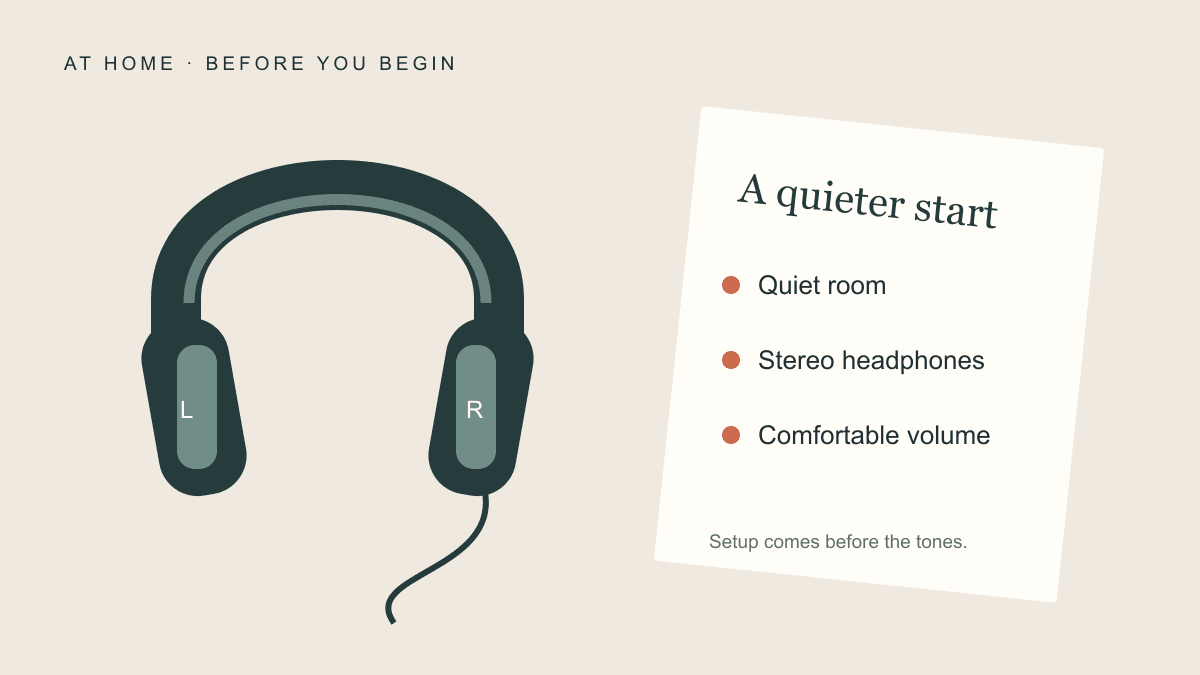
- Find a quiet room and put on stereo headphones.
- Check the left and right channels, then set a quiet, comfortable volume.
- Keep the volume fixed. Respond when you hear each tone, even faintly.
- Read your graph and save your free report.
This records responses on your current setup; it cannot diagnose hearing loss. If hearing changed suddenly, seek medical attention immediately instead of taking an online test.
Start the free headphone checkWhat a home check can tell you
Our free hearing check records your responses to tones at six pitches in each ear. You can see a graph and download your results without an account, payment or AI explanation. It is intended for adults who want to explore their responses on their current headphones.
This is an uncalibrated home check. It cannot confirm or rule out hearing loss, establish normal hearing, or replace an audiologist’s assessment. A clinical evaluation considers more than responses to browser tones; ASHA describes the tests and clinical history used to assess hearing.
Check whether to seek help first
If your hearing has suddenly dropped or worsened rapidly over a few days, seek medical attention immediately—even if only one ear is affected. Do not wait for an online result. NIDCD treats sudden deafness as a medical emergency and explains why timely assessment matters.
For ongoing difficulty hearing conversations or other persistent concerns, arrange a professional assessment regardless of what this check shows. You do not need an online result before asking for help.
Prepare your room and headphones
Choose a quiet room and a time when you can concentrate. Wear stereo headphones with the left and right sides correctly positioned. Turn off mono audio and sound enhancements so the channel check can work as intended.
Start with your device volume low. Play the left and right setup samples, adjusting gently until they are quiet but audible. Confirm that each sample is comfortable and heard only in the intended ear. If you cannot confirm this, stop and check your setup.
The samples use the check’s highest digital setting, but different pitches can sound different. Stop if anything feels uncomfortable. Setup does not calibrate headphone output to clinical levels. Keep your headphones and volume unchanged afterward; never turn up the volume to chase a missing tone.
Check the sound and practise in one step
Open the free hearing check and use the left and right sound checks to try the “I heard it” button. This combines setup and practice. During the test, tap once or press Space when you hear a sound, even if it is faint. The button stays the same between sounds.
During the check, listen and respond in the same way. If you hear nothing, wait for the next tone. Sounds repeat to check responses. After six pitches in the left ear, you choose when to begin the right ear.
Use Pause whenever you need a break. Returning from another tab or an audio interruption may require resuming the current tone. Stop and start again with a checked setup if you change headphones or volume.
Read and keep your result
The graph uses relative playback levels, not clinical dB HL or measured dB SPL. A higher number means a louder setting within this check. Headphone response, device volume, background noise and sound crossing between ears can affect the pattern.
Arrows mark the quietest or loudest available limit, rather than an exact threshold. Inconclusive points remain unmeasured. Do not use the graph to grade hearing loss, identify a cause or compare yourself with age norms.
Download the HTML report, use Save PDF / print, or choose Save on this device to reopen your latest result in the same browser. You can delete that saved copy whenever you wish. An optional AI explanation, when available, requires your consent to send the responses to Our AI. It explains the observations but does not improve the measurement or diagnose anything. Your graph and download remain available if AI is unavailable. Any contribution is voluntary.
For a closer look at the labels and symbols, read how to read an audiogram and a home-check graph. If everyday conversations are the main concern, our guide to difficulty hearing in background noise explains what tone checks leave out.